Rupture RP-1 & RP-2 FAQ
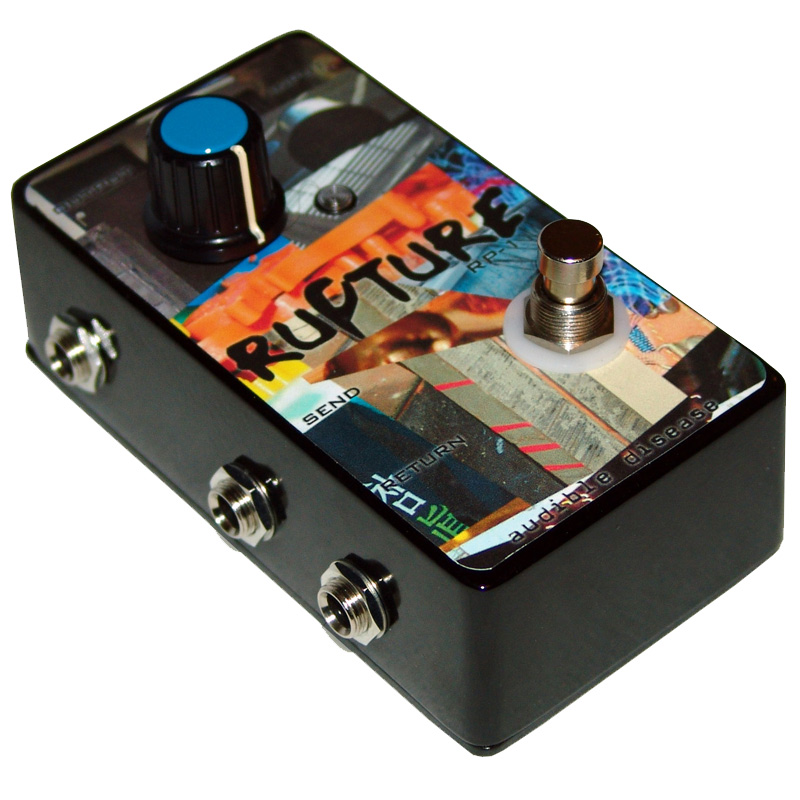
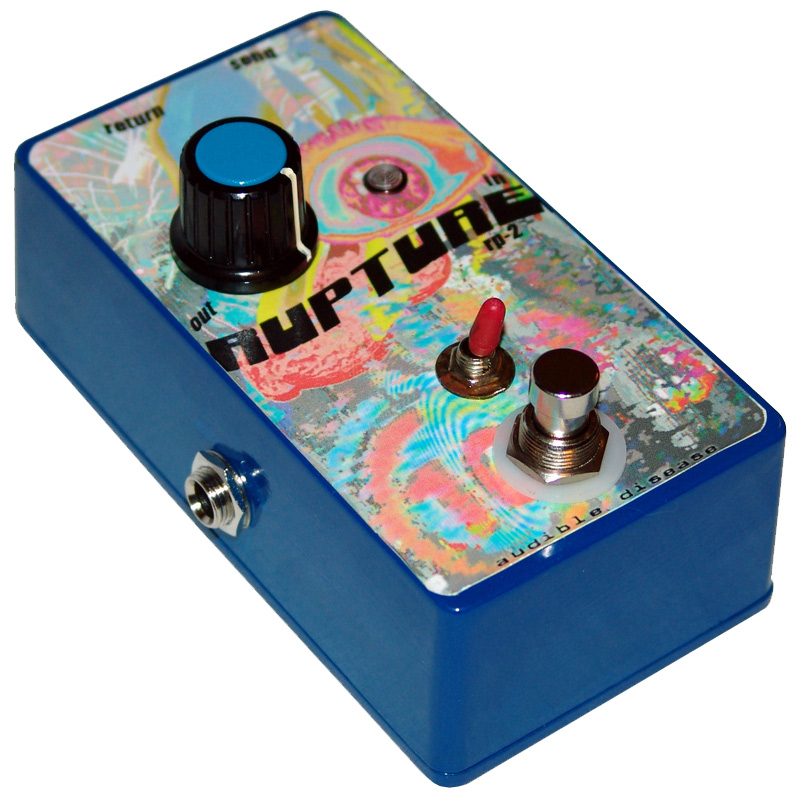
We get a lot of questions about how the Rupture feedback looper pedal works. We made this list of frequently asked questions (and answers!) to try and help you get the most out of the pedal.
Q: I plugged my guitar into the Rupture's input jack and my amp into the output jack. The pedal does nothing! What am I doing wrong?A: The Rupture pedal NEEDS other pedals in the SEND/RETURN loop. Since the pedal creates a feedback loop from pedal(s) in the SEND/RETURN loop, having nothing plugged in will not do anything!
Q: I put a distortion pedal in the SEND/RETURN loop. Why does it give a squealing sound when I turn the knob all the way to the right?
A: Almost all distortion, overdrive and boost pedals in the SEND/RETURN loop will do this when used by themselves. These type of pedals normally boost the output levels. When the amplified signal is feedback into the pedal (which is what happens when used with the Rupture) you get a squealing sound. If the distortion pedal has other "features" like oscillation or equalization, it's possible to get some interesting sounds from feeding back on itself. Examples of possibly interesting distortion pedals to use include the DOD Buzz Box, Audible Disease Convulsion and Devi Ever Bit Fuzz. Some pedals that just squeal include the ProCo Rat and the DOD Grunge. You may want to try putting other non-distortion pedals in the SEND/RETURN loop along with a distortion pedal. Experiment!!
Q: I plugged my keyboard into the input jack and the knob doesn't do anything. How do I make this sort of setup work?
A: Some input devices that have a super "hot" signal will over-saturate the signal rendering the Rupture pedal almost useless. Try an input signal that is not as loud. Contact mics, guitars and bass (try tweaking the level settings on your guitar) as well as almost any line-level signal seem work great. Try turning the volume down on your keyboard. You can also try putting some sort of "deadening" device before the Rupture pedal. We have one user that puts a Boss Octave pedal before the Rupture input to "soften" the level of the input signal.
Q: I put a really cool digital pedal in the SEND/RETURN loop and now I can't control anything. Why does the Rupture do this?
A: We really aren't sure about the internal circuitry of some digital signal processing devices, but we've had reports that some pedals just flat-out don't work in a feedback loop. We have had a few reports of the Korg Kaoss Pad, for example, not working at all with the Rupture. Other "digital" pedals are just uninteresting or unpredictable.
Q: What are the best pedals to have in the SEND/RETURN loop?
A: Though experimentation is the key to the answer of this question, folks have reported the most fun with modulation and time-based effects (i.e. flanger, phaser, delay). Graphic EQ is another interesting effect when feeding back on itself... especially when used in conjunction with other pedals. Try different pedals in different orders and see what sounds can be made!
Q: I'm not sure my pedal is working correctly. How do you guys test the Rupture?
A: Our test procedure is simple. A contact mic is plugged into the INPUT jack. The SEND jack is then connected to the input jack on a DigiTech PDS 20/20 Delay pedal. The out on the delay goes back into the RETURN on the Rupture. The OUTPUT jack on the Rupture goes to some amplification. The delay is set for about a 500msec (1/2 a second) delay time and the regeneration/repeats/feedback control is set to a maximum (longest decay) level. With the Rupture engaged and the knob all the way to the left (no feedback) the contact mic is tapped. A regular delay sound should be heard. The knob on the Rupture is then turned clockwise. The delay pedal should start making sounds on it's own (pretty much go out of control!!) when the knob approaches the fullest setting. We have also used a DigiTech PDS 2000 and a PDS 1000 to test this way as well.
more info... please..
© 2005-2026 Audible Disease, Inc. All rights reserved.